When you work on a laptop in public, your screen is visible to anyone within a few feet. A stranger can glance over and read emails, account numbers, patient records, or legal notes. This is called visual hacking. It needs no malware, no phishing email, and no technical skill. A person just looks. Many people lock their phones with a passcode but forget that their laptop screen is an open window. A computer screen privacy filter is one of the simplest tools to close that window. It changes how your display behaves from side angles. You keep a clear view. Everyone else sees a dark or nearly blank screen. This physical layer works instantly without software, settings, or IT support.
Visual hacking is not some rare threat. In a global experiment, visual hackers obtained sensitive information in 91 percent of attempts. They stole an average of four pieces of private data per attempt. That can include passwords, financial data, and employee information. Meanwhile, the Identity Theft Resource Center recorded over 3,200 data compromises in 2023. Not all of those involve visual hacking, but the pattern is clear. Personal data is under pressure from many directions. A privacy filter costs far less than identity theft recovery. The Federal Trade Commission has long urged consumers to shield their screens in public and at work. A physical filter is one cheap part of a wider defense.
| Filter Type | Best For | Typical Viewing Angle | Key Tradeoff |
|---|---|---|---|
| Micro-louver | Laptops in public spaces | 30 to 60 degrees | Slight brightness and color loss |
| Polarized | Monitors in fixed positions | 30 to 45 degrees | Can darken if tilted |
| Gold mesh | High-security offices | 30 degrees | Darker tint and higher cost |
| Blue light filtering | Long work sessions | 60 degrees | Warm color shift |
What Exactly Is a Computer Screen Privacy Filter?

A computer screen privacy filter is a thin sheet of plastic or glass that attaches to your laptop, external monitor, tablet, or phone. Most filters use tiny vertical blinds called micro-louvers. These are so small that you cannot see them with the naked eye. The louvers allow light to pass straight through to your eyes. They block light from traveling at an angle. The result is a narrow viewing cone. You can read your screen when you are directly in front of it. A person sitting next to you sees only a dark, tinted surface. Some filters also have an anti-glare coating or a blue light reduction layer.
These filters come in many sizes and formats. Some attach with adhesive strips. Others slide into tabs or hang over the top of a monitor. Many are removable. Some are designed to stay in place permanently. You can buy filters for laptops with an integrated webcam privacy cover. Some newer laptops even have an embedded privacy screen built into the display panel. But most people use an aftermarket add-on. The goal is the same. A filter creates a physical boundary around your visual information. It does not change your operating system or slow down your device. It is a piece of hardware, not software.
Privacy filters are not just for spies or corporate executives. They are everyday tools sold at office supply stores and online for under fifty dollars. Many public libraries and universities keep them available. Some employers provide them to remote workers. The demand has grown as more people work from laptops in shared spaces. You may have seen someone using one at a coffee shop without realizing it. The filter blends into the screen when viewed straight on. That is the sign of a good design. It protects without making your screen look strange to you.
- Framed filters that slide over a laptop display
- Adhesive filters that stick directly to the screen
- Magnetic filters for easy removal
- Hanging filters for external monitors
How Does a Screen Privacy Filter Work?
The main technology is called micro-louver. Picture a set of tiny vertical blinds built into a clear film. When light from your screen passes through the filter, it travels along the path of the louvers. If you sit directly in front, that path goes straight to your eyes. If someone sits at a side angle, the light hits the blinds and gets blocked. That is why the screen appears black or very dark to them. The effect is similar to tinted windows on a car. You can see out from the driver seat while passersby cannot see in. No electricity powers this. It is pure optics.
Viewing angles vary by model. Most filters reduce visibility beyond thirty degrees from center. Some allow up to sixty degrees before the screen becomes unreadable. If you work in a crowded train or airplane, a thirty degree filter offers strong protection. If you sit next to a colleague in a meeting, sixty degrees may be more convenient. The tradeoff is always clarity versus coverage. You may also notice a slight drop in brightness or a fine texture on your screen. That is the filter doing its job. You can usually adjust your brightness settings to compensate. This is a physical limit, not a defect.
The material matters. Cheaper filters use a tinted film that darkens the entire screen. Better filters use micro-louver technology. Micro-louver panels are often made from polycarbonate layers. They are thin, about the thickness of a few sheets of paper stacked together. Some filters combine micro-louvers with a matte finish to cut glare. That helps outdoors or under harsh office lights. If you work near windows, a matte privacy filter can serve double duty. It blocks side views and reduces reflections. Check the manufacturer specifications for the exact viewing angle. That little number tells you how much privacy you really get.
- Micro-louver technology for precise angle control
- Tinted films as a low-cost alternative
- Matte coatings for glare reduction
- Glossy coatings for higher brightness
Who Actually Needs a Computer Screen Privacy Filter?
If you ever open your laptop in public, you are a candidate. Coffee shops, airports, hotel lobbies, trains, and buses are prime spots for visual hacking. A thief does not need to sit next to you. A phone camera from across the room can zoom in on your screen. The Federal Trade Commission warns that shoulder surfing is a low-cost way for criminals to collect personal information. If you handle client data, health records, financial figures, or employee records, the risk is higher. You may also face legal or professional obligations to protect that data. A privacy filter helps you meet those duties.
Employers with open floor plans should consider filters as standard equipment. Screen contents often include internal project names, salaries, customer information, and legal discussions. Remote workers who use coworking spaces face the same exposure. Frequent travelers are especially vulnerable. Airplane seat backs put your screen directly in the line of sight of the person behind you. College students also benefit when working on grades, research, or financial aid forms in libraries. Even at home, a privacy filter can block the view of roommates, guests, or cameras. It is a small investment for peace of mind.
Visual hacking is often the first step in a chain. A thief sees a name, an address, or a login. Then they search online for more. People-search sites and data brokers can fill in missing details. That is why the Federal Trade Commission recommends shielding your screen as part of basic identity hygiene. The FTC guidance on protecting personal information includes limiting what you show in public. A privacy filter makes that habit physical. You cannot forget to close a window if the window is already tinted. This is especially important for anyone who handles medical, legal, or financial records.
- Remote workers in cafes and coworking spaces
- Airline and train passengers
- Healthcare and financial staff
- Students in libraries
- Any employee in an open-plan office
What Should You Look For When Buying One?

Start with the exact size of your screen. Filter makers list sizes by diagonal measurement and aspect ratio. A 13.3-inch laptop filter may not fit a 14-inch model perfectly. If your laptop has a webcam notch or thin bezels, look for a filter made for your specific device. Many brands offer custom cut options. You should also decide how you want to attach it. Adhesive strips keep the filter secure but can leave residue. Magnetic and frame mounts are easier to remove but may add bulk. Hanging filters are best for external monitors at a desk. Choose what fits your work flow.
Consider the viewing angle you need. A narrower angle protects more but can be annoying if you shift positions often. Check whether the filter has a matte or glossy finish. Matte finishes reduce glare and fingerprints. Glossy finishes preserve more brightness but reflect light. If you work long hours, look for a filter with blue light reduction. That can reduce eye strain. Some filters add a subtle color shift, usually slightly warm or gray. Read recent reviews before buying. People often report whether a filter makes text fuzzy or dims the screen too much. A good filter should be nearly invisible when viewed head-on.
Think about special features. Some filters include a removable webcam cover slider. Others are made for touchscreens and preserve touch sensitivity. If you use a privacy filter on a two-in-one laptop, make sure the filter does not block the screen when you fold the device. You may also want a second filter for an external monitor or a tablet. The most important rule is simple. Buy the right size, check the viewing angle, and test it within the return window.
- Measure diagonal screen size and aspect ratio
- Compare 30-degree and 60-degree viewing angles
- Check anti-glare and blue light coatings
- Look for touchscreen compatibility
- Test brightness and text clarity immediately
Are There Any Downsides to Using a Privacy Screen Filter?
The main downside is reduced brightness. Because the filter blocks light from angles, it also reduces the light that reaches your eyes even head-on. Most people compensate by raising screen brightness. That can use more battery on a laptop. You may also notice a slight color shift, especially on cheaper filters. Whites can look slightly gray or yellow. Text may appear a little softer. If you do color-sensitive work like photo or video editing, a privacy filter can distort what you see. You may want to remove it for those tasks.
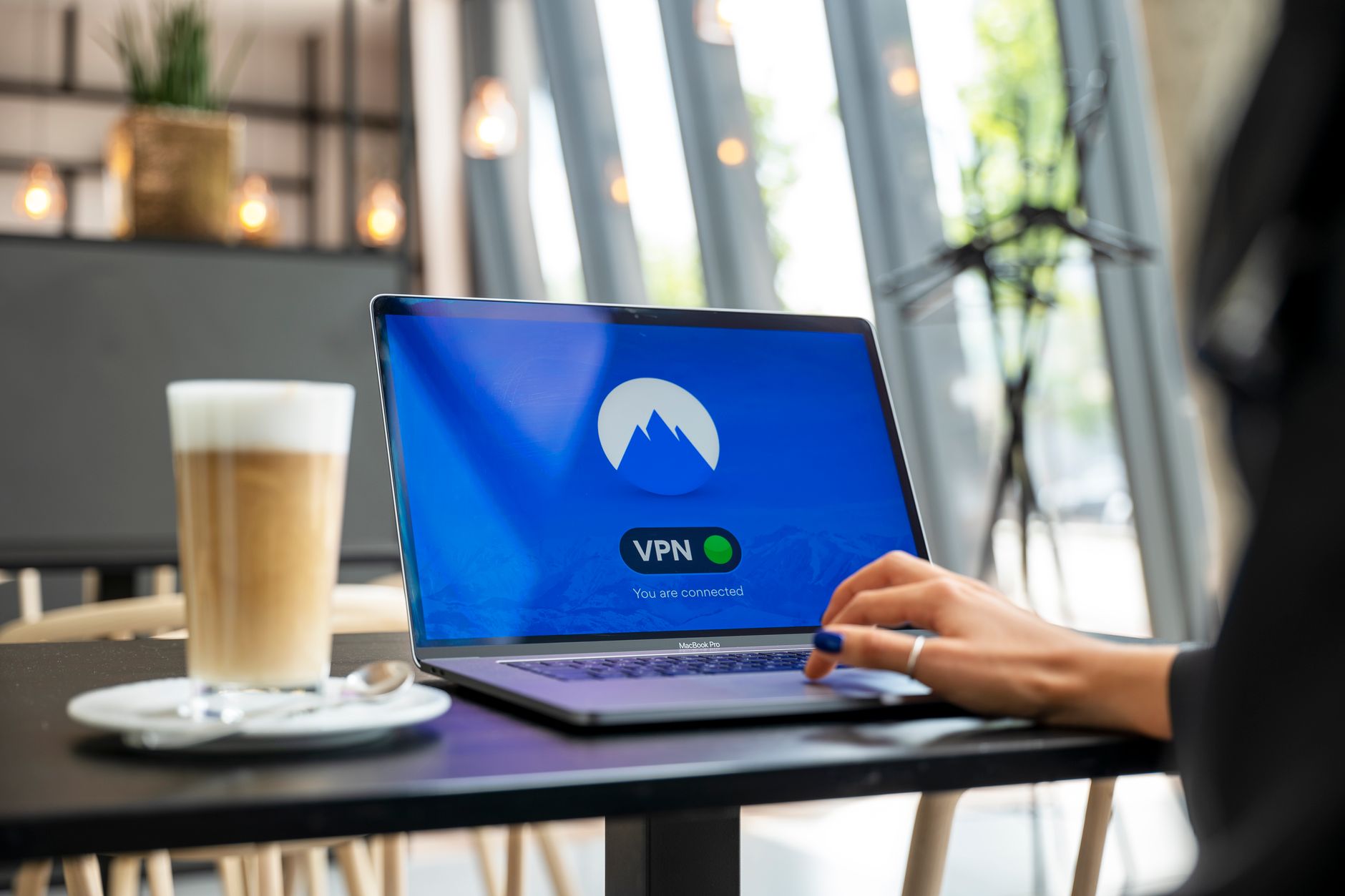
A privacy filter is not a magic shield. It does nothing against malware, phishing, or remote screen recording. If a hacker has access to your device, they can capture what is on the screen without looking at it. The filter only blocks physical side views. It also will not stop someone directly behind you if they are close enough to your center line. You still need strong passwords and security software. For broader identity protection, consider using a password manager and checking your exposure through identity theft protection. A VPN also helps on public Wi-Fi, but it does not hide your screen. The physical filter and digital tools solve different problems.
Some people find the narrow viewing angle inconvenient. You have to sit centered. In meetings where you want to share your screen with a colleague, the filter makes side viewing impossible. You may need to remove the filter or turn the laptop. For most people, the benefits outweigh the hassles. But it helps to know the limitations before you spend money.
- Screen brightness may drop by five to fifteen percent
- Colors can shift slightly warm or gray
- Text may look softer around the edges
- Viewing from an angle becomes impossible
- Matte filters can show fingerprints more easily
How Does a Screen Filter Fit Into Your Overall Privacy Plan?

A privacy filter is one layer in a broader personal data defense. Think of it as the physical layer. It protects what is on your screen right now. But your personal information also lives in dozens of online databases. Data brokers buy, sell, and publish details about your address, phone number, family members, and shopping habits. A visual hacker might see one fragment on your screen. Data brokers can fill in the rest. That is why you should also work to remove your information from the internet. You can start by reading this complete guide to data brokers and the steps for how to opt out of data brokers.
If you want help with removals, compare the best data removal services in 2026. Those services send opt-out requests on your behalf and monitor for re-listing. You might also use a VPN on public networks. A VPN encrypts your internet traffic but does not stop someone from looking over your shoulder. That is why the privacy filter stays useful. Combine physical privacy with digital privacy. Cover your screen. Remove your data from people-search sites. Freeze your credit. Use strong authentication.
The Federal Trade Commission and the Identity Theft Resource Center both stress that privacy is not a single product. It is a set of habits. A screen filter is one of the easiest habits to adopt. It requires no monthly fee and no ongoing effort after installation. You just put it on and forget it. That simple change can stop a visual hacker in seconds. When you also reduce your data broker exposure, you make it harder for anyone to connect a glance at your screen with a full profile of your life. This is the essence of taking back your data. Layer your defenses.
- Start with a screen privacy filter
- Opt out of data broker sites
- Use a password manager
- Add identity theft protection
- Connect through a VPN on public Wi-Fi
Frequently Asked Questions
Does a privacy filter make my screen too dark?
It can reduce brightness by a small amount. Most people raise their screen brightness by one or two levels. The effect is usually mild with modern LED displays.
Can I leave a privacy filter on all the time?
Yes. Many people keep it attached permanently. If you do color-sensitive work or need to share your screen with someone beside you, you may want to remove it temporarily.
Will a privacy filter fit any laptop?
No. You need a filter that matches your screen size and aspect ratio. Some filters are made for specific laptop models, especially those with thin bezels or webcam notches.
Do privacy filters stop malware or remote screen recording?
No. They only block side views from other people. Malware, spyware, and remote access tools can still capture your screen digitally.
Are there privacy filters for external monitors and phones?
Yes. You can buy filters for external monitors, tablets, and phones. Many are sold as stick-on film or magnetically attached panels.
Do I still need a VPN if I have a privacy filter?
Yes. A VPN protects your internet traffic from network snooping. A privacy filter protects your screen from shoulder surfers. They solve different problems.
What Should You Remember?
- Visual hacking happens in seconds, often with no technical skill.
- A privacy filter narrows your screen’s viewing angle to block side views.
- Buy the right size and check the viewing angle before you pay.
- Expect some tradeoffs like reduced brightness or slight color shift.
- A filter is not enough against malware or remote screen recording.
- Layer your defenses with data broker removals and a VPN.
This article is for general informational purposes only and is not legal or financial advice. Data broker policies, privacy laws, and service pricing change frequently, so verify current details with the official source before acting. Some links may be affiliate links that support this site at no cost to you.