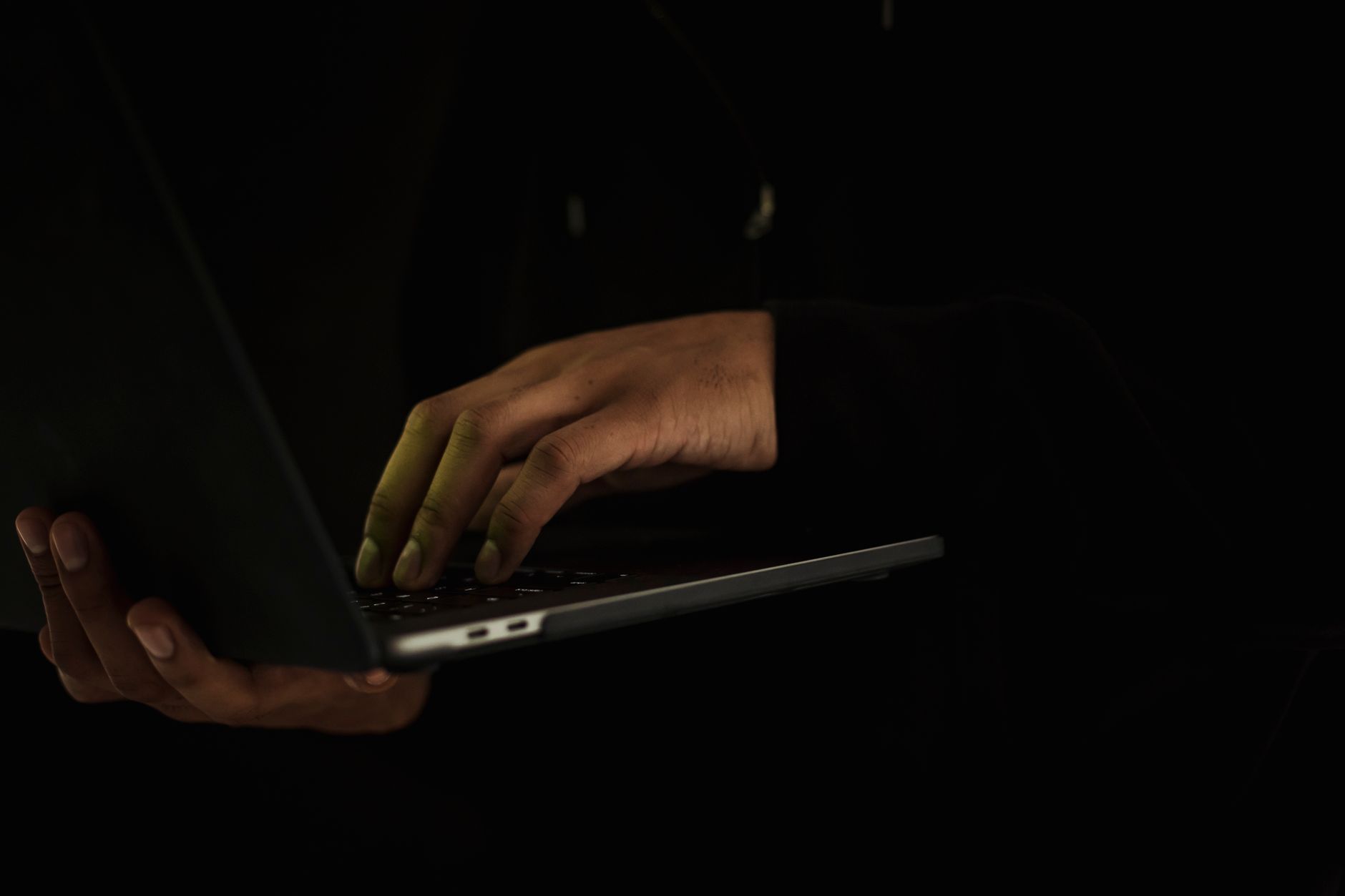
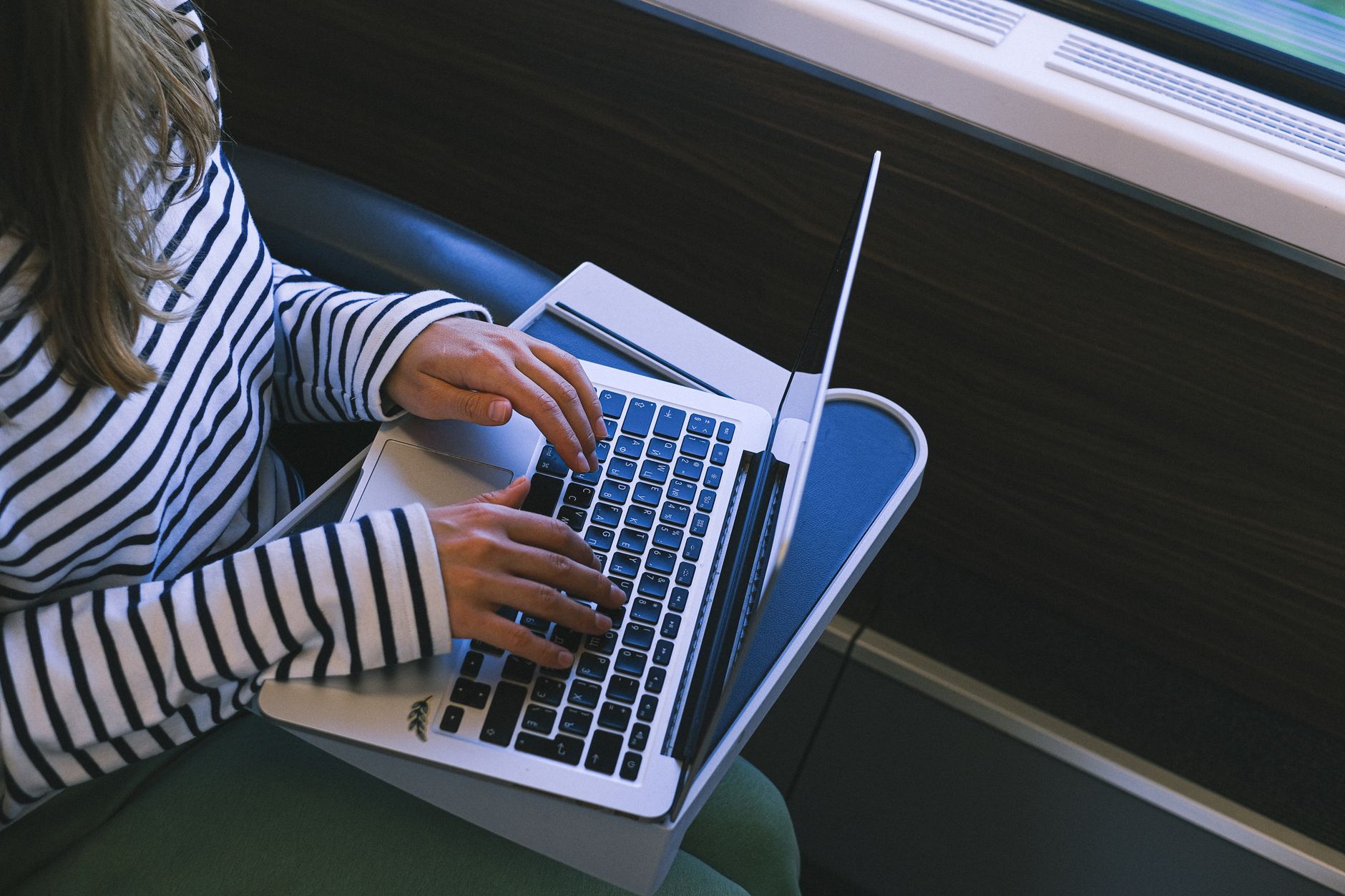
You may lock your phone with a passcode. You might use a password manager and delete old accounts. But what about the person sitting next to you on the bus? If you open a bank app, a medical portal, or a work document, a stranger can read your screen in seconds. That is visual hacking. A monitor privacy screen is a physical filter that narrows your screen’s viewing angle. It makes the display look dark or blank to anyone standing at an angle. This is one of the easiest ways to protect your personal information in public spaces.
Digital privacy tools get a lot of attention. Data brokers, phishing emails, and online tracking are real threats. But physical privacy still matters. The Federal Trade Commission warns that identity thieves still use low-tech methods like shoulder surfing. A quick look can reveal account numbers, passwords, client names, or your home address. According to the Identity Theft Resource Center, 2023 saw more than 3,200 data compromises. Not all data theft starts with a data breach. Some starts with a stranger looking at your screen.
The good news is that a monitor privacy screen is affordable and easy to use. It costs far less than repairing identity theft. It attaches in seconds and does not slow down your computer or collect data. Physical privacy is not a substitute for digital privacy, but it closes a gap most people forget. In this guide, we explain how these screens work, who needs one, and what to look for when buying. We also show how a privacy screen fits into a larger plan that includes removing your personal information from the internet.
| Feature | What It Does | Why It Matters |
|---|---|---|
| Viewing angle | Typically 30 to 60 degrees from center | Controls who can read your screen from the side |
| Attachment type | Adhesive, magnetic, slide, or clip mount | One style may fit your laptop better than another |
| Touch compatibility | Some screens work with touchscreens | Keeps normal use on tablets and 2-in-1 laptops |
| Blue light reduction | Many filters reduce blue light | May reduce eye strain during long sessions |
| Finish | Matte or glossy surface | Matte reduces glare in bright places |
What Is a Monitor Privacy Screen?
A monitor privacy screen is a thin sheet of plastic or glass that attaches to your display. It uses a built-in micro-louver technology. These tiny angled slats work like window blinds. Light passes straight through to your eyes when you sit directly in front of the screen. From the side, the slats block the light. The result is a dark or black screen for anyone standing at an angle. The screen does not use software, does not collect data, and does not require batteries.
Privacy screens are available for laptops, desktop monitors, tablets, and phones. Some attach with adhesive strips. Some use magnetic strips or slide mounts. Others use a simple frame that clips over the display. Many filters also reduce glare and some reduce blue light. You may notice a slight drop in brightness because the filter blocks some light. That is normal. You can usually raise your screen brightness a little to compensate.
A monitor privacy screen is not the same as a basic screen protector. A basic screen protector only guards against scratches. A privacy screen adds a directional viewing layer. It will not protect your device from drops in the same way, but it can do both jobs if you buy a 2-in-1 model. For most people, the main goal is to stop visual hacking in public places.
How Does a Monitor Privacy Screen Protect Your Data?
You may think no one is looking at your screen. But visual hacking is fast and common. A well-known industry experiment from 3M found that visual hacking was successful in 91% of attempts. In many cases, sensitive information was captured in under 15 minutes. The experiment also found that hackers can see a surprising amount in a short time. They may spot a password, a client name, a Social Security number, or a medical record. This is not a rare skill. It is just looking.
The Federal Trade Commission lists shoulder surfing as one of the ways identity thieves work. They may sit near you in a coffee shop, on a train, or in an airport lounge. A privacy screen shrinks the viewing angle. Most filters limit the clear view to about 30 degrees on either side. Straight on, you see everything. From the side, you see almost nothing. That makes it much harder for someone to read your data without moving directly behind you.
Remember that visual hacking is not always about money. It can be about personal health details, legal matters, or confidential work data. A privacy screen also stops casual snooping from coworkers and strangers. It gives you a private zone even in a crowded room. This is a physical control, but it works every time without updates or logins.
Who Needs a Monitor Privacy Screen?

If you ever open a laptop in public, you are a candidate. That includes students in a library, remote workers in a cafe, business travelers at an airport, and commuters on a train or bus. You do not need to handle secret documents. A quick look at your email inbox or bank balance can reveal enough to cause trouble. The data brokers complete guide explains how small details add up. A name and an account number can be combined with public records to build a profile.
Some people need a privacy screen because of their job. Healthcare workers, lawyers, accountants, social workers, and customer support agents often work with sensitive records. An open laptop at a shared desk or during a remote call can expose client data. Many employers now require privacy filters for laptops used outside the office. Even at home, a privacy screen can block family members or roommates from glancing at private work.
You do not have to be a high-profile target. Identity thieves look for easy opportunities. A person reading a screen in a quiet corner can be an easy opportunity. A privacy screen signals that you are not an easy target. It is the physical version of using a password manager or VPN. It reduces risk with almost no effort.
- Frequent flyers and train commuters
- Remote workers in shared spaces
- Students using library computers or shared tables
- Healthcare and legal professionals
- Anyone checking bank or health accounts in public
What Should You Look for When Buying a Monitor Privacy Screen?
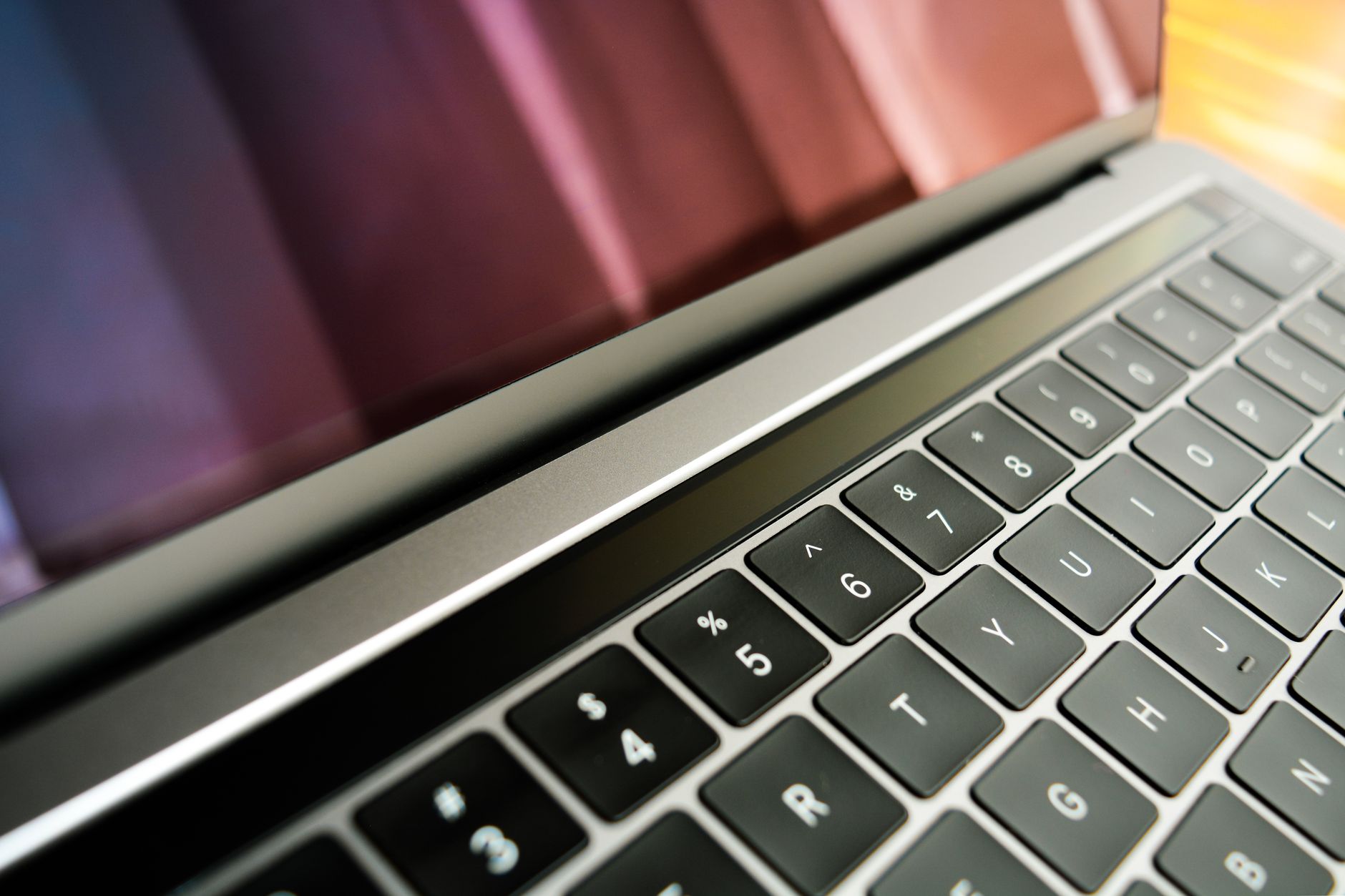
Start with the exact size and aspect ratio of your screen. Laptops come in different diagonal sizes and resolutions. A 14-inch laptop with a 16:10 screen needs a different filter than a 15.6-inch laptop with a 16:9 screen. Check your device model or measure the visible screen area. Many manufacturers list compatible devices. Buying the wrong size means the filter does not cover the whole display.
Next, consider attachment type. Adhesive strips are common and cheap. They attach directly to the screen bezel or the display itself. Magnetic mounts work well on some laptops that support them, but magnets can interfere with a few devices. Slide mounts or hangers attach to the top edge of a monitor. For touchscreen laptops and tablets, make sure the filter is touch compatible. Not every privacy filter works well with touch gestures.
Look at the viewing angle. A narrow angle gives more privacy but can be frustrating if you move your head. A slightly wider angle may be more comfortable. Many filters also reduce blue light and glare. A matte finish can help if you work near windows. Consider whether you want a removable filter or one that stays attached. Removable filters are useful if you share your screen for presentations.
- Exact screen size and aspect ratio
- Attachment type: adhesive, magnetic, slide, or clip
- Touchscreen compatibility
- Viewing angle and brightness tradeoff
- Blue light and anti-glare features
How Does Visual Hacking Compare to Online Data Collection?
Online data collection happens behind the scenes. Data brokers buy, sell, and trade personal details like your address, phone number, and shopping habits. You may never see it happen. Visual hacking is the opposite. It happens in front of you, but you may not notice. Both end up with someone else getting your information. The difference is that a privacy screen directly blocks the visual path. Online data collection requires digital defenses and sometimes opt-out requests.
The Identity Theft Resource Center tracks thousands of data compromises each year. Those incidents expose millions of records. But visual hacking does not appear in those breach totals because it is not a digital breach. It is a personal exposure. The Federal Trade Commission reminds consumers that protection is layered. A privacy screen alone will not stop a data broker from selling your address. A VPN alone will not stop someone from reading your screen on a plane. You need both.
Think of it like locking your front door and also closing your curtains. Digital tools protect your network and accounts. A privacy screen protects the physical view of your screen. For a full plan, you may also want to compare the best data removal services in 2026 to reduce your exposure in people search sites. Together, these steps make it harder for criminals to connect your online identity with your offline habits.
Do Privacy Screens Replace Digital Privacy Tools?
No. A monitor privacy screen is one layer in a larger security plan. You still need strong passwords and two-factor authentication. A password manager can help create and store unique passwords. A VPN encrypts your traffic on public Wi-Fi. These tools protect your accounts and internet connection. A privacy screen protects the physical display. They solve different problems.
You should also consider identity theft protection if you handle a lot of personal data or have already been affected by a breach. Tools and services in our best identity theft protection review can monitor your credit and alert you to new accounts. But no service can stop a stranger from reading your screen. That is why the privacy screen earns a place in your daily routine.
Finally, reduce the amount of spam and unwanted mail you receive. Fewer messages with personal details means fewer chances to be caught off guard. Pair that with removing yourself from people search sites. A privacy screen, a password manager, a VPN, and a data removal plan form a practical defense. They are not complicated. They just work together.
Frequently Asked Questions
Does a monitor privacy screen make my screen darker?
Yes, most privacy screens reduce brightness slightly because they block light from side angles. You can usually increase your screen brightness to compensate. A small brightness tradeoff is normal for better privacy.
Can I use a monitor privacy screen on a touchscreen laptop?
Yes, many models are touch compatible. Look for a filter that specifically says touchscreen compatible. Some thicker filters can reduce touch sensitivity, so check reviews before buying.
How do I install a monitor privacy screen?
Installation depends on the type. Adhesive strips attach to the screen bezel. Magnetic mounts snap onto compatible laptop frames. Slide mounts hang from the top of an external monitor. Follow the manufacturer guide and clean the screen first.
Will a privacy screen protect my data from hackers?
No, a privacy screen only blocks visual hacking. It does not stop malware, phishing, or network snooping. Use it with a password manager, VPN, and antivirus software for broader protection.
Do privacy screens work on phones and tablets?
Yes, many companies make privacy filters for phones and tablets. They work the same way by narrowing the viewing angle. Some also protect against scratches. Check for compatibility with your specific device model.
How often should I replace a monitor privacy screen?
Replace it when it becomes scratched, cloudy, or peels at the edges. With normal care, a good privacy screen can last several years. Removable filters may wear faster if you attach and remove them often.
What Should You Remember?
- Monitor privacy screen limits viewing angles so strangers cannot read your display.
- Shoulder surfing is a real identity theft method, not a rare risk.
- Physical privacy is separate from digital privacy and requires its own tools.
- Choose the right size and attachment type for your laptop or monitor.
- Pair a privacy screen with a password manager, VPN, and data removal services.
- Check touch compatibility if you use a tablet or 2-in-1 device.
- Replace your filter when it gets scratched or cloudy to keep protection strong.
This article is for general informational purposes only and is not legal or financial advice. Data broker policies, privacy laws, and service pricing change frequently, so verify current details with the official source before acting. Some links may be affiliate links that support this site at no cost to you.