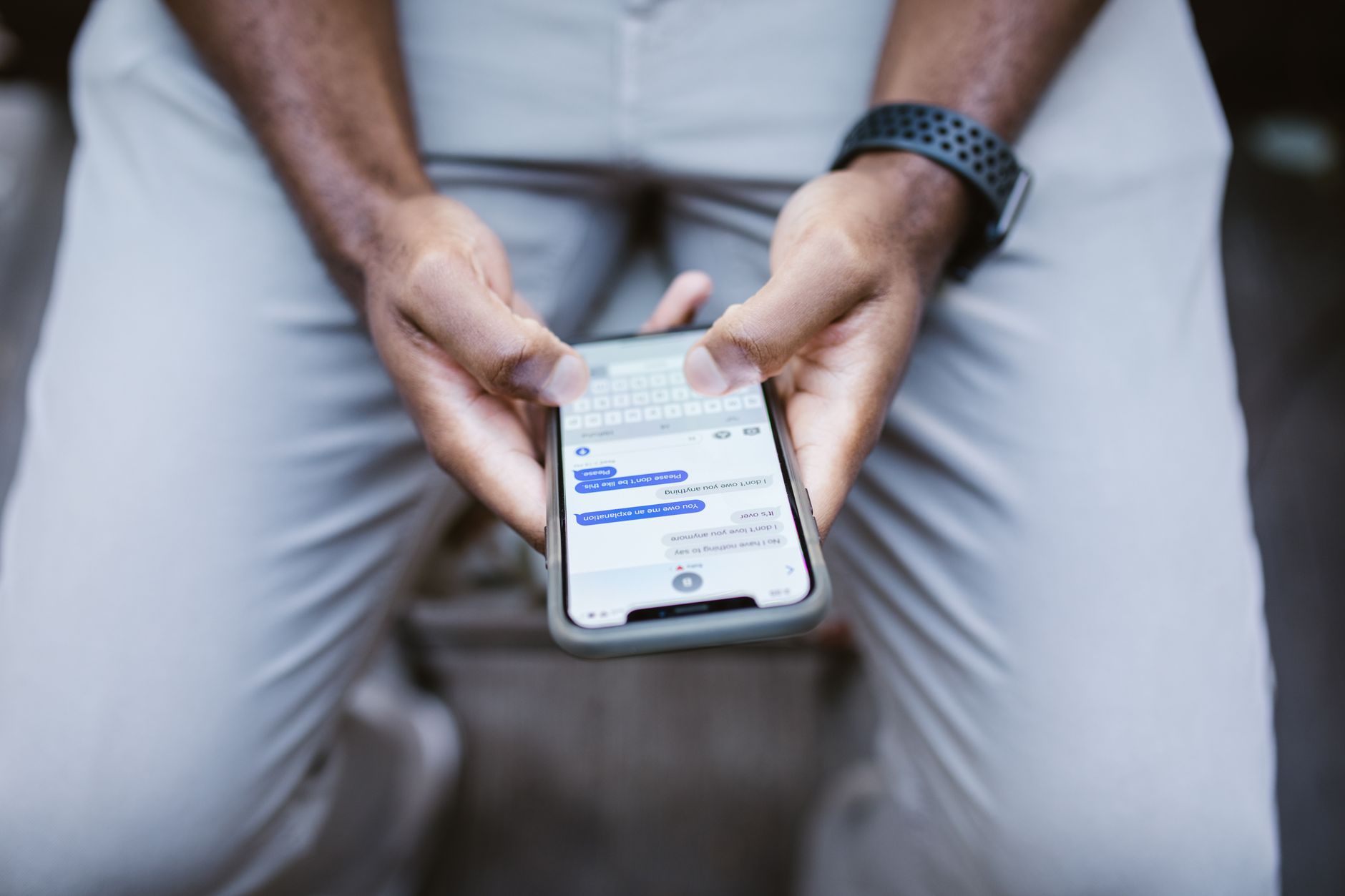
Robocalls and spam texts are not just an annoyance. They are the front door for phishing, identity theft, and financial fraud. Scammers use auto dialers to blast thousands of numbers per minute. They spoof local area codes so you answer. One wrong tap on a text link can install malware or steal a password. Your phone number is now a target. The good news is that practical, current defenses work. You can reduce most unwanted calls and texts with the right tools and habits.
Your phone number often ends up on people search sites and marketing lists. Data brokers collect it from public records, warranty cards, apps, and sweepstakes. Scammers buy those lists or scrape them. That is why a new phone number can start ringing within hours. Removing your data is a longer term fix. But you can take immediate action with the registry and blocking tools. Our data broker opt-out guide covers the removal process in detail.
Carrier tools have improved a lot. AT&T, Verizon, and T-Mobile now offer free spam filters that identify and block high-risk calls. The Federal Trade Commission runs the Do Not Call Registry, which cuts legal telemarketing calls. Third party apps add another layer by flagging numbers reported by other users. No single measure stops every robocall. The best defense is a combination of layers. This matters because scammers change numbers and tactics quickly.
This guide walks through seven concrete steps. You will register your number, enable free carrier tools, install a good blocking app, forward spam texts, remove your number from data brokers, report every violation, and lock down your phone. You do not need to be technical. You just need to follow each step in order. Each step includes the exact buttons to press and the common mistakes to avoid. Start here to reclaim your phone line.
What You’ll Need
- Smartphone or landline
- Active email address
- DoNotCall.gov access
- Carrier account login
- App store access
How Do You Cut Robocalls and Spam Texts Right Now?
- Register your number with the National Do Not Call Registry
Visit DoNotCall.gov or call 1-888-382-1222 from the phone you want to register. You can register a landline or a cell phone. The process takes about two minutes. You will need an active email address to confirm your registration. After you confirm, the number is added within 31 days. Registration does not expire. The FTC says a registered number should not receive sales calls from legitimate telemarketers.
Why does this matter? Legitimate companies obey the registry. That removes a big chunk of unwanted calls. Scammers will still call. However, once your number is on the registry, you have a stronger basis to file complaints. You can also say to an unknown sales caller that your number is registered. That often ends the call quickly.
Common mistake: People expect zero robocalls after registering. That is not realistic. Political calls, debt collectors, surveys, and charities can still call. Scammers ignore the law. Treat registration as a baseline, not a full fix. You can verify your registration at any time on the same FTC website. Keep your confirmation email in a folder in case you need to file a complaint later.

- Turn on your carrier’s free spam blocking tools
Open your carrier’s app or website. For AT&T, download ActiveArmor and enable spam risk blocking. For Verizon, open the Call Filter app and turn on spam filter. For T-Mobile, open Scam Shield and switch on scam block. These basic tools are free. They identify calls with labels like ‘Spam Risk’ or ‘Scam Likely’. Many carriers also let you block entire categories of callers.
These tools use network data and industry standards. Carriers now use STIR/SHAKEN to verify caller ID. That helps flag spoofed numbers. A verified check mark means the call is more likely from the number shown. No check mark does not always mean scam, but it is a warning sign. Use this signal before you answer.
Do not pay for premium spam blocking until you try the free version. The free tools stop many high-risk calls. If you already shared personal data with a suspicious caller, start a recovery plan. Our identity theft protection guide explains what to watch and how to respond. For most people, the next step is adding a third party app for more aggressive filtering.

- Install one reputable call blocking app
Choose an app with a large user base and clear privacy policy. Popular options include Hiya, Nomorobo, Truecaller, and YouMail. Download only from the official Apple App Store or Google Play. After installing, grant the app permission to access caller ID and call blocking. Enable auto block for known spam numbers. Some apps also block neighbor spoofing, where the first six digits match your own number.
These apps work by collecting reports from users. When thousands of people mark a number as spam, the app adds it to a blocklist. The app then warns you or blocks the call before it rings. This is useful because scammers rotate numbers frequently. User reports are often faster than carrier databases. Some apps also offer reverse phone lookup for unknown numbers.
Be careful about privacy. Some call blocking apps upload your contacts to their servers. Read the permissions before you tap agree. If an app asks for access to your entire address book and you are not comfortable, pick another. You do not need to pay for basic protection. Free tiers are enough for most people. After you turn on the app, move to text filtering because spam texts have exploded.
- Filter and report spam texts
Forward any suspicious text to 7726. That spells SPAM on your keypad. Your carrier uses these reports to improve blocking. After forwarding, delete the message. Do not click links. Do not reply. Even typing STOP can confirm your number is active. Instead, block the sender from your messaging app. On iPhone, open the message, tap the contact, and choose Block. On Android, open the message, tap the three-dot menu, and block.
Turn on your phone’s built-in text filters. On iPhone, go to Settings, then Messages, and enable Filter Unknown Senders. This sorts messages from unknown numbers into a separate list. On Android, open Messages, go to Settings, then Spam protection, and turn it on. These settings do not block everything, but they reduce clutter and make real scams easier to spot.
Scam texts often pretend to be banks, delivery companies, or government agencies. They may claim a package is delayed or your account is locked. The goal is to rush you into tapping a link. If you are unsure, open the official app or website directly. Never use the link in the text. Our how to stop spam emails guide covers similar red flags for email scams. Text and email scams often use the same playbook.
- Remove your number from data broker sites
Many robocalls start with a data broker profile. Data brokers collect phone numbers, addresses, and other details. They sell this information to marketers and sometimes to bad actors. If your number is listed on dozens of people search sites, scammers can find it easily. Removing those records reduces the number of new spam calls over time. Start by searching your phone number on people search sites like Whitepages, Spokeo, and Intelius.
You can opt out manually on each site. Look for a privacy or opt-out link at the bottom of the page. Submit your phone number and verify with email. The process takes time. Most sites honor opt-outs within 30 to 45 days. You need to repeat this a few times a year because new data brokers appear. If manual removal feels overwhelming, consider a subscription removal service. Our best data removal services 2026 guide compares options that automate these opt-outs.
Some states give you legal rights. If you live in California, the California Consumer Privacy Act lets you ask data brokers to delete your information. Look for the California Attorney General’s CCPA page for details. Removing your number is not instant, but it reduces the fuel for future robocalls.
- Report every robocall and spam text
Reporting is not just for you. It helps regulators and carriers identify calling patterns. If your number is on the Do Not Call Registry and you still get a sales call, file a complaint at DoNotCall.gov. You need the date, time, caller’s number, and a short description. The FTC uses these complaints to investigate repeat offenders. Reporting takes less than five minutes.
For spam texts, forward the message to 7726 and then report it to the FTC. You can also report through your carrier’s app. Some carriers let you mark a number as spam in the call log. If the call tried to impersonate the IRS, Social Security, or a bank, mention that in the complaint. These agencies do not call out of the blue and threaten arrest or freeze accounts.
If you lost money or shared sensitive data, act quickly. Contact your bank or credit card company. Freeze your credit if needed. File a report with the FTC and your local police. The Identity Theft Resource Center at idtheftcenter.org offers free help for identity theft victims. Also, review why keeping your personal data off the internet matters. Our why remove yourself from the internet guide explains the broader privacy benefits.
- Harden your phone settings and accounts
After you have blocked known spam, make your phone less friendly to scammers. Enable two-factor authentication on your email, bank, and social accounts. Use a password manager to create unique passwords. Do not reuse passwords across sites. If a scammer gets one password, they will try it everywhere. Look for a reputable password manager that stores encrypted passwords.
On your phone, use built-in silence features. On iPhone, go to Settings, then Phone, and turn on Silence Unknown Callers. This sends calls from numbers not in your contacts to voicemail. On Android, use Do Not Disturb mode and allow calls only from contacts. Scammers rarely leave messages, but real callers will. This single setting can cut stress within one day.
Keep your operating system and apps updated. Updates fix security holes that scammers exploit. Only install apps from official stores. Avoid third-party app stores. Check your call log once a week. Look for repeated numbers and block them manually.

Red Flags & Warnings
- 🚨 Never press 1 or say yes to an unknown caller. Scammers record your voice to authorize charges or target you later.
- 🚨 Do not call back a one-ring missed call from an unfamiliar international number. It may be a premium number that charges you instantly.
- 🚨 Do not click links in delivery or bank texts. Go directly to the official app or website instead.
- 🚨 Avoid paying for robocall blocking before using your carrier’s free tool. Free filters block most high-risk calls.
- 🚨 Do not assume the Do Not Call Registry stops scammers. It only stops legal telemarketers. Report scam calls instead.
- 🚨 Read call blocking app permissions carefully. Some apps upload your address book. Choose one with a clear privacy policy.
Frequently Asked Questions
Does the Do Not Call Registry expire?
No. Once your number is registered, it stays on the list. You do not need to renew unless your number changes.
Will the registry stop all robocalls?
No. The registry stops sales calls from legitimate telemarketers. Scammers ignore it. You still need carrier tools and blocking apps.
What is 7726?
7726 spells SPAM on a phone keypad. Forward unwanted text messages to 7726 so your carrier can investigate and block the sender.
Are carrier spam filters free?
Basic spam identification and blocking are free on most major U.S. carriers. Premium features like enhanced caller ID may cost extra, but the free tier is enough for many people.
Do call blocking apps sell my data?
Some may share or upload your contacts. Read the privacy policy and permissions before installing. Choose apps that do not require access to your full address book.
How long after data broker opt-outs will calls drop?
Most data brokers process opt-outs within 30 to 45 days. You should repeat opt-outs a few times a year because new sites appear and old records can return.
What Should You Remember?
- Use layered blocking: Combine the registry, carrier tools, and a blocking app.
- Register once: Put your number on the Do Not Call list at DoNotCall.gov.
- Enable free carrier tools: Turn on AT&T ActiveArmor, Verizon Call Filter, or T-Mobile Scam Shield.
- Forward spam texts: Send unsolicited messages to 7726 to help carriers block them.
- Remove data broker records: Cut the source of many robocalls by opting out of people search sites.
- Never engage with unknown calls: Do not press buttons, say yes, or click links.
This article is for general informational purposes only and is not legal or financial advice. Data broker policies, privacy laws, and service pricing change frequently, so verify current details with the official source before acting. Some links may be affiliate links that support this site at no cost to you.